
Ignite Cheat for Battlefield 6
Explore reliable cheats for your favorite games at MixCheats.
Buy the private Ignite for Battlefield 6 at MixCheats. Our working cheats offer aimbot, ESP, and wallhack features, ensuring safe gameplay with 24/7 support.
Our Ignite for Battlefield 6 is regularly updated to ensure maximum functionality and stable performance. We continuously improve features, add new functions, and optimize performance for the best gaming experience.
Choose your subscription duration to place an order
Features
Aimbot_targeting
Aimbot_filtering
Aimbot_hitbox
Triggerbot_targeting
Triggerbot_filtering
Triggerbot_hitbox
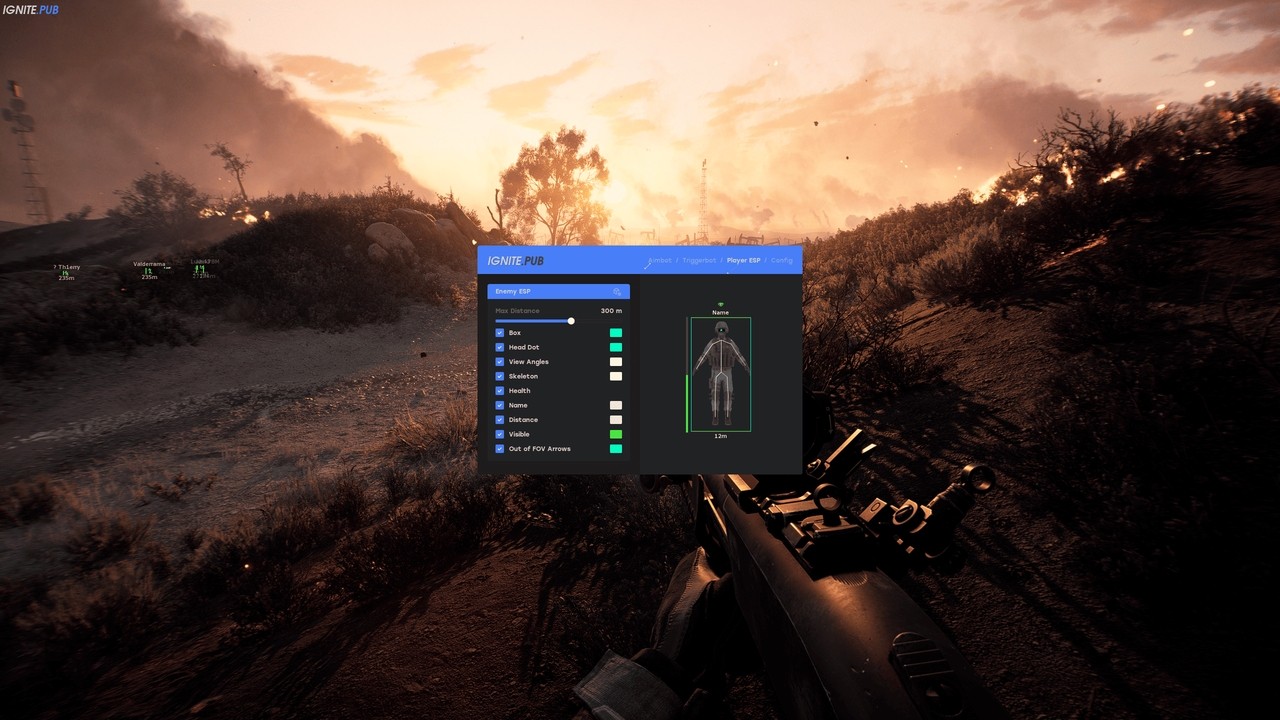
Player_esp
Draggable_esp
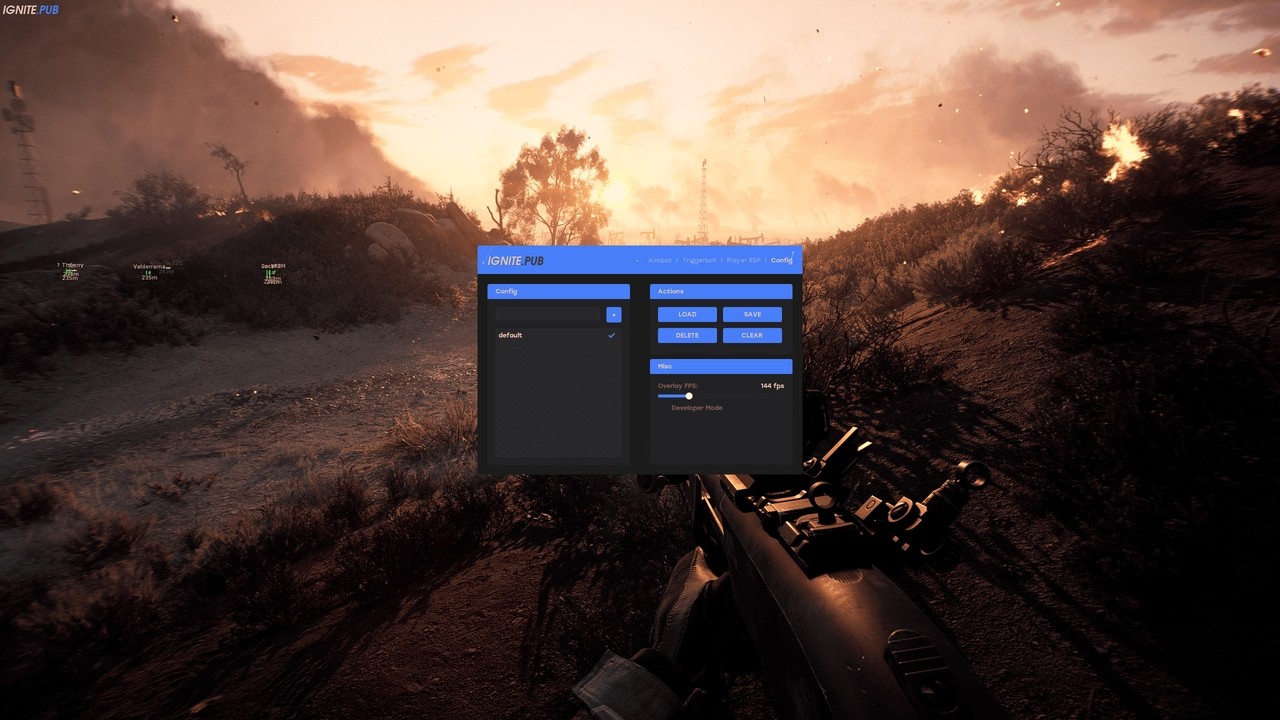
Config
Misc
System Requirements
Ignite is a professional solution for Battlefield 6, created by a team of experienced developers. The tool has undergone numerous tests and optimizations to ensure maximum efficiency and safety for users of all skill levels.
The tool offers a wide range of features, each of which can be configured individually. This allows adapting Ignite to specific needs and preferences of each user.
Ignite differs from other solutions by its high level of reliability and stability. Regular updates and technical support guarantee that the tool always remains relevant and compatible with the latest game versions. This makes it an ideal choice for serious players who value quality and consistency.
The architecture of Ignite is designed with all requirements of modern gaming in mind. The system automatically adapts to changes in the game, ensuring constant operability. Thanks to the modular structure, the tool is easily updated and expanded with new features without the need for reinstallation.
Mastering Ignite does not require special knowledge or skills. The tool is designed to be understandable and accessible to users of any level. Detailed documentation and usage examples will help you quickly understand all capabilities and start using all features to their full potential.
User support is one of our main priorities. We understand how important it is to have reliable technical support, and therefore our team is always in touch. Whether it's a setup question, an installation problem, or just advice on use - we are always ready to help and ensure the most comfortable experience using our tool.
The effectiveness of Ignite is confirmed by numerous user reviews and test results. The tool has shown excellent results in various game modes and situations, proving its reliability and stability. This makes it an excellent choice for players who strive to constantly improve their results.
Ignite for Battlefield 6 is not just a tool, it is a comprehensive solution that will help you reach new heights in the game. With its help, you will be able to improve your skills, better understand the game, and get more enjoyment from the gameplay.
Frequently Asked Questions
How to start using Ignite for Battlefield 6?
Starting to use Ignite is very simple. After purchase, you will receive access to download and detailed instructions. Installation takes just a few minutes and does not require special technical knowledge. All necessary steps are detailed in the instructions.
Is Ignite protected from detection?
Yes, Ignite uses modern detection protection technologies. We regularly update protection mechanisms to ensure maximum security. However, remember that no such solution can provide a complete safety guarantee.
How quickly is Ignite updated after game updates?
Our team monitors all Battlefield 6 updates and quickly adapts Ignite. Usually, new versions are released within 24-48 hours after the game update. All users receive notifications about available updates.
Is it difficult to configure Ignite?
No, Ignite has a simple and clear interface. Even beginner players will be able to quickly understand all functions. Advanced settings are available for experienced users, allowing fine-tuning of each parameter to their needs.
Is there support for Ignite users?
Of course. We provide full technical support to all Ignite users. Our team is available 24/7 through Telegram and Discord. We help with any questions, from installation to fine-tuning parameters.
Update History
Updated after game patch
2026-10-10 18:49:55
Fixed minor bugs
2026-10-06 22:36:15
Updated after game patch
2026-10-04 10:20:13
Fixed minor bugs
2026-10-01 21:51:00
Fixed minor bugs
2026-09-20 15:28:36


